Short answers to what people ask before they download.
What is Live View, and is it free?
Live View shows every plant you have pinned through your camera, with a ring at its base, its name, and its distance. It is a Premium feature; the app itself is free to download and Free covers unlimited plants, gardens, notes, and reminders. Live View needs iOS 26 and works best on an iPhone or iPad with LiDAR. Everything runs on your device and no cloud AI service is involved. How AR garden mapping works.
Does GardenPin work offline?
Mostly, yes. Your phone identifies a plant first and only asks PlantNet when it isn't sure, so many identifications finish instantly with no connection. Nursery-tag scanning runs entirely on your iPhone. Your gardens, pins, notes, photos, reminders, and the bundled care data are stored on the device, so you can browse and edit everything without a signal. A connection is needed when the phone hands off to PlantNet and for care sentences quoted from Wikipedia. More on identifying plants offline.
Is my garden data private?
Yes. There is no account. Your data lives on your phone and, if you turn it on, in your own iCloud. Nursery-tag scanning happens on the device and nothing leaves it. Care data does not pass through any cloud AI service, and nothing about your location leaves your phone. A photo is sent to PlantNet only when your phone cannot identify the plant on its own. There are no analytics identifiers. Details are in the Privacy Policy.
Does it cover vegetables and trees, or only houseplants?
GardenPin is built for the garden outside: beds, borders, fruit trees, shrubs, vegetables, and patio containers, as well as houseplants. Watering, soil, growth rate, and cold hardiness come from the USDA PLANTS database for over 500 species, hardiness zones from Wikidata, houseplant care from PlantSolve, and for plants none of those cover, sentences quoted from the plant's Wikipedia article with a link.
Is GardenPin a garden planner?
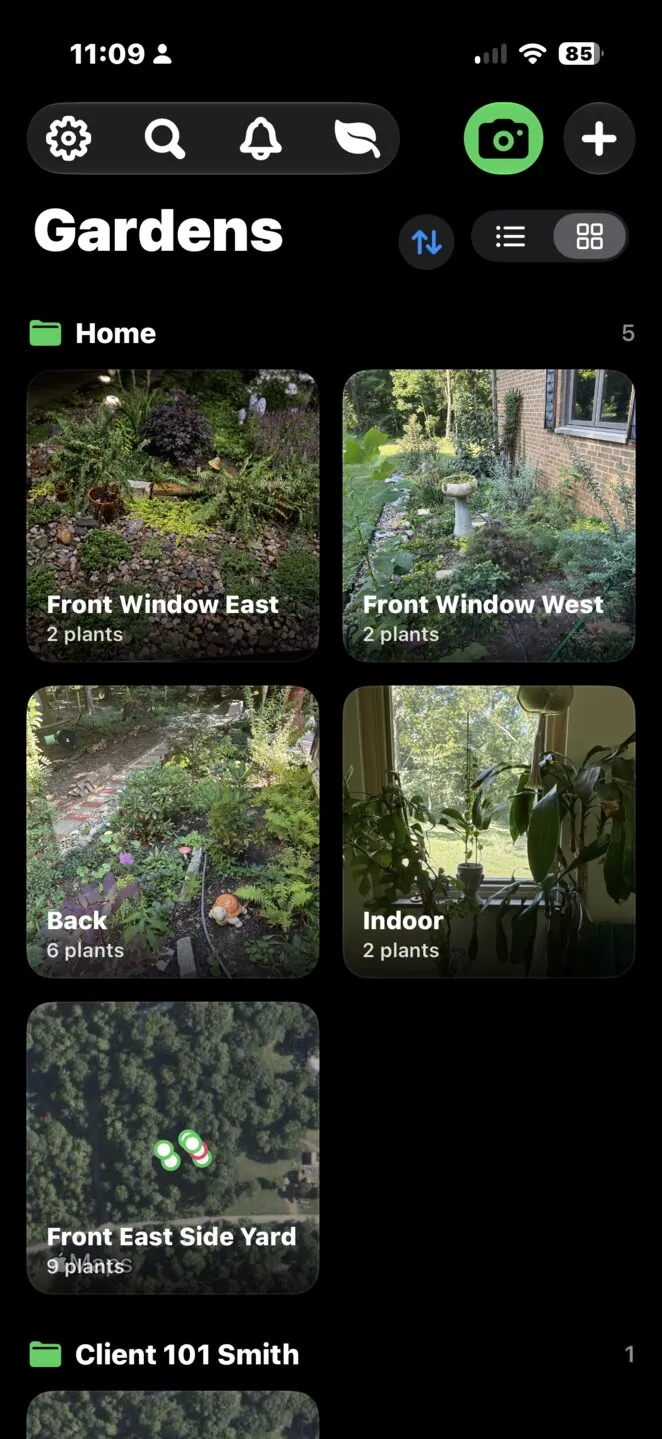
No. Planners lay out beds you have not planted yet. GardenPin is a garden journal and garden tracker for the garden you already have: each plant pinned on a GPS map of your real beds, with its history, photos, care details, and reminders. It works alongside a planner if you use one.
Can I print labels without Premium?
No. QR label printing is a Premium feature, along with the garden map view, nursery-tag scanning, unlimited identifications, and CSV export and JSON backup. Free includes 5 identifications a week, unlimited plants, gardens, notes, photos, and reminders, manual care entry, nearby sharing, iCloud sync, and restoring from a backup.
How do I restore a purchase?
Open Settings, then Premium, and tap Restore Purchases. The same button is on the paywall. Make sure you are signed in to the Apple Account that made the purchase. GardenPin tells you what happened, and Premium status updates as soon as you return to the app.